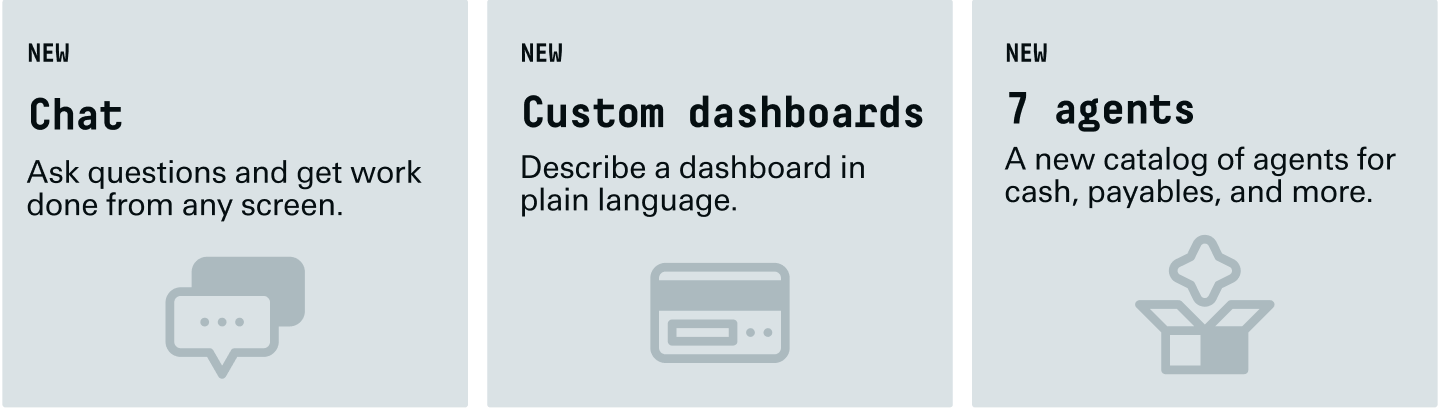
As of today, you'll notice several significant changes in Lensing. You can now:
Chat with the ERP for zero-click answers
Request reports in natural language
Launch 7 new AI agents that complete actual work
This article explains what this means for you and your team.
1. Chat with Lensing, ask it anything
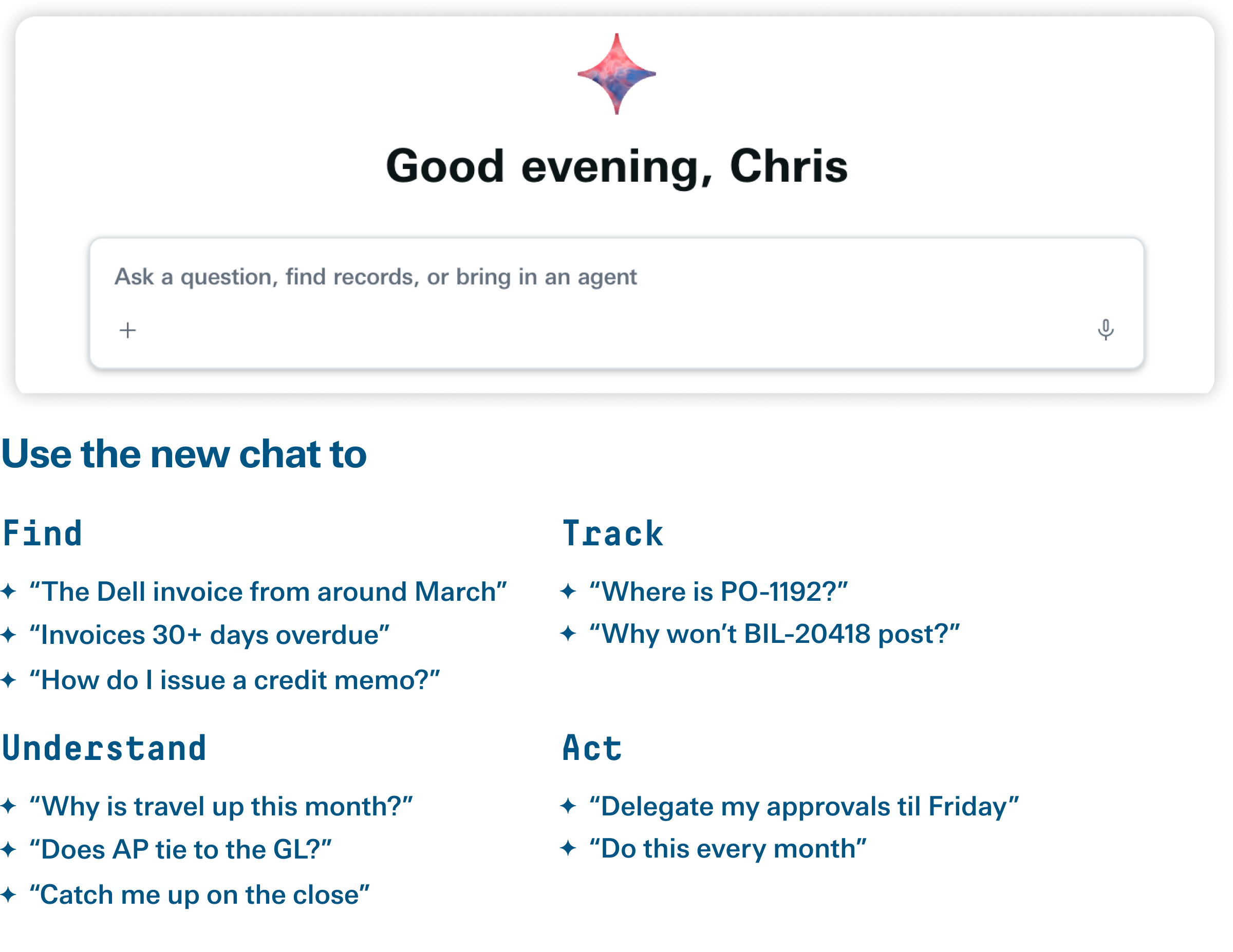
We believe chat will become the main way you work with Lensing. It is live today, and we will improve it with every release. Open it from any page and ask it questions in your own words.
Coming in a future release:
Click into source answers to visit the actual data or table.
The AI knows what page you’re on, and what you’re looking at.
Create other agents directly from chat.
2. Describe a dashboard, watch Lensing build it
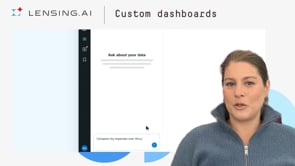
Just tell Lensing what you want in plain language and it will build you a dashboard. (This replaces our prior reporting agents, known as "Custom Eves.")
To build a dashboard, simply start a chat or go to the reports page.

3. Launch one of seven new agents
We now have an agent catalog. Seven are tested and available. We’ll continue to add more. To try them, log into Lensing. Go to “AI focus” in your lefthand menu, and click “Agents.”
AP bills autopilot (Payables)
Processes vendor bills end-to-end and routes exceptions for your review.
Bank matching (Cash)
Suggests matches between bank transactions and GL transactions. If no GL entry exists, it will propose one.
Bank rules (Cash)
Spots patterns in your bank activity and proposes rules, so recurring entries auto-match.
Collections and dunning advisor (Receivables)
Recommends which overdue customers to follow up with, and how.
Financial statement agent (Reporting)
Builds financial statements through chat. You control the structure and scope.
Revenue checklist (Revenue)
Works through your revenue checklist and flags items that demand attention.
Report agent (Reporting)
Builds a report from your plain-language request.
Coming in a future release
Many more agents, built in the order our customers prioritize them. Tell us which ones you need first.
Does the AI hallucinate?
These ones cannot. That's because chat, custom dashboards and the financial statement agent do not do the math themselves. They write deterministic, SQL-like queries and then Lensing's database does the calculating. Answers include deep links to the underlying records so you can trace and verify every figure, and we will keep adding more context based on your feedback.

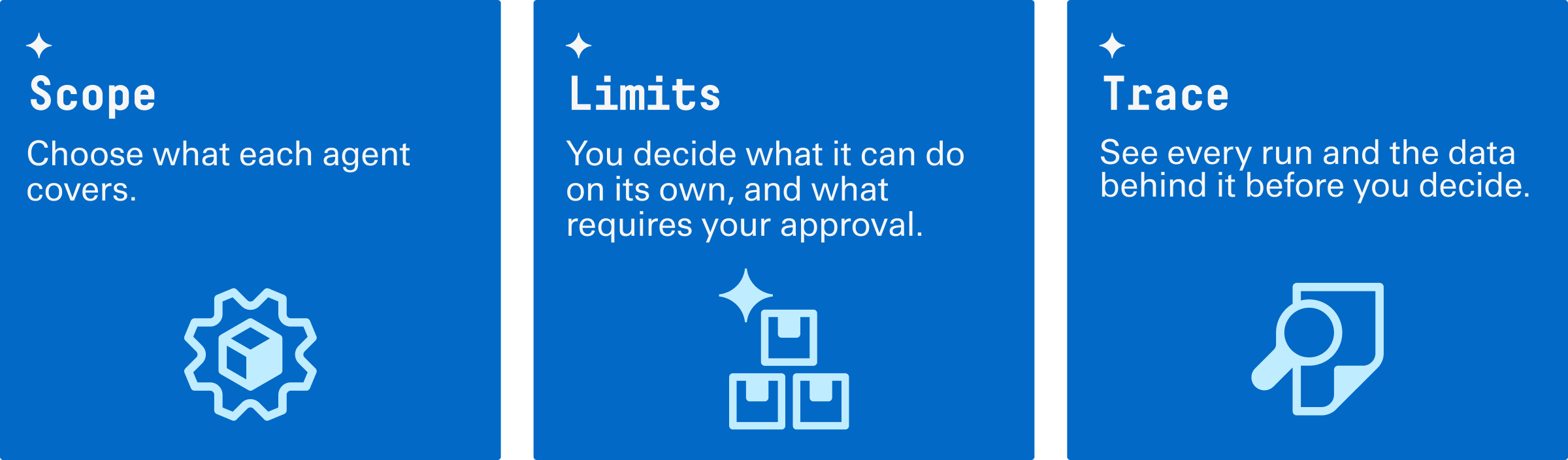
Other agents work inside guardrails you set:
What do all these AI features cost?
Nothing yet. But we are optimizing token consumption across our agents and, in the future, may need to pass along the token costs to you. We will soon provide a dashboard so you know exactly how many tokens your team has used, with controls.
Ten customers shaped this release. Join them?
We prioritized and refined these features with 10 customers, and turned their input
around within weeks. To take part, let your service representative know and we will include you. Or, reply to this email—it goes directly to me.