
Run a real ERP from ChatGPT or Claude
Get a private Lensing sandbox with a sample multi-entity company already set up. Connect your AI assistant and ask it to do real finance work: enter bills, rebuild aging, review the close. Free, and no sales call needed.

Piyush Shah
Principal Product Manager







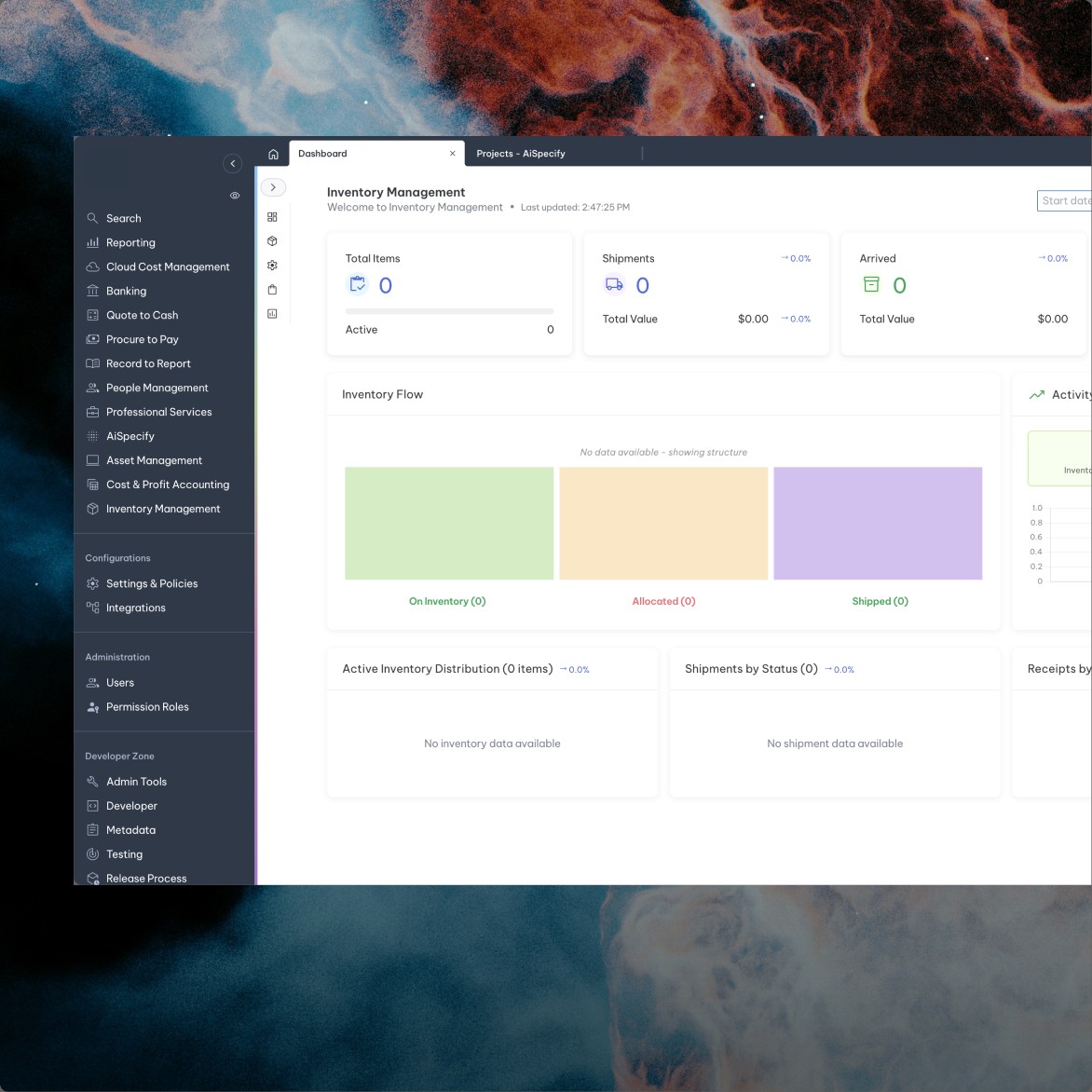
AI-native inventory module
Four things to ask in your first ten minutes
Here’s an invoice. Create the bill in Lensing.
It reads the invoice, checks for duplicates, picks the expense account and leaves the bill pending approval.

Rebuild AR aging as of September 30. Who should we call first?
It reconstructs aging from payment history across six entities and five currencies, then ranks your collections queue.

Review last month’s expenses and draft any missing accruals. Don’t post anything.
It finds the gaps, drafts the entries with evidence and waits for your approval.

Post a journal entry: debit cash $1,000, credit revenue $900.”
Go ahead, try to break it. It won’t post an entry that doesn’t balance.

Show cash by entity for the last three months and check that every trial balance ties.
It checks 18 trial balances and tells you what it couldn’t reconcile.


CONNECTED IN THREE STEPS
From sign-up to first answer in minutes
Sign up and your sandbox link arrives by email. Sign in with any Google account, including Workspace. Then add Lensing as a connector in ChatGPT or Claude and start asking. Works with ChatGPT and personal Claude plans. On Claude Team or Enterprise, your admin adds the connector once.
Most AI in finance stops at the report
Ask most finance tools’ AI a question and you get an answer. Ask it to do something about it, and you’re back to exporting, re-keying and chasing approvals. Lensing’s assistant does the work itself: it enters the bill, drafts the accrual, prepares the billing. The approvals your team set up still decide what reaches the books.


It can’t take a shortcut your accountants couldn’t
Every action runs on your permissions and goes through the same approval policies and accounting rules as your team.

It tells you what it’s not sure about
It cites the records it used, flags what doesn’t reconcile and tells you exactly what it hasn’t done.

Not just the ledger. The whole ERP.
Your assistant can read and act across every Lensing application: about 580 actions and 180 data sets. If it’s in Lensing, your AI can work with it.
- General Ledger
- Order to cash and revenue recognition
- Projects (PSA)
- Procure to pay and banking
- Intercompany
- Inventory and fixed assets
Built by someone who’d never used an ERP
Gereon joined Lensing with no ERP background. Two prompts later, he had a working travel planner that files real purchase requests and expense reports in Lensing, with per diems calculated and manager approval built in. He never opened the documentation. The system explained itself to the model.
YOUR SANDBOX IS WAITING


See a demo of Lensing
See a tailored demo of Lensing’s inventory intelligence

Cameron Ackbury, CPA
Frequently asked questions about Inventory with Lensing ERP
Your inventory management solution should help you grow and scale your business while allowing for flexibility when necessary. Inventory management software should integrate into your full customer lifecycle, give visibility to finance at any moment in time, and make supply & demand planning easy.
Material resource or requirement planning for a business with inventory can be complicated without the right tools. Your ERP should have either native capabilities for inventory management or have the ability to integrate with your inventory management tools. Key features to look for are:
- Costing & tracking abilities
- Procurement matching
- Warehouse transfers
- Simple, complex & changing billing
Yes, managing the full lifecycle of your products within your ERP is possible with an AI-Native ERP like Lensing. Legacy ERPs can sometimes handle inventory processes with bolt-ons or spreadsheets, but Lensing has a fully realized inventory management & supply system within its AI-Native ERP interface, pulling more than just data into your inventory management tool–Lensing provides full business context & processes throughout without disconnected tools or bolt-ons. Newer ERPs often do not have the capabilities needed to manage, order, and forecast for physical goods from one control center, eliminating the need for spreadsheets.
Lensing AI-Native ERP provides your supply chain team and anyone else who needs visibility with total inventory intelligence. Our customers tell us that markets are changing faster than any legacy ERP or inventory software. See full landed cost breakdowns with a click. Lensing is both 100% complete, yet infinitely customizable to help you scale as far as you want and trust that purchase orders, per-site inventory, and regional books stay synced. Supply & demand planning streamlined in your ERP allows you to see all three financial impacts on every shipment. When a serial number ships, the system automatically bifurcates the transaction across COGS, Revenue, and Margin—giving finance instant visibility.